Leadership view
Make the next decision with context. We identify the question your leadership team needs answered and the measures that would support it.
Leadership viewConnect KPIs, cash flow, accounts receivable, and marketing ROI in one owner dashboard. Reporting built around your definitions and connected data sources.
Start with your current tools and the problem you want to solve.A shared view of the measures your leadership team agrees to use.
See where opportunities sit and what needs attention.
Bring workload, ownership, and exceptions into view.
A defined scope, a clear owner, and an outcome you can check.
Owner’s Dashboard brings business KPIs, cash flow, accounts receivable, and marketing ROI into a shared reporting view. Quantum Reach connects the agreed data sources, defines each measure with your team, and sets the refresh schedule. How current a number is depends on the source system and the connection available.
Owners of home service companies with 5 to 50 staff who need visibility across jobs, billing, and marketing. The same approach can support clinics, medical spas, and other SMBs with data in multiple systems.
Connect your sources, agree what each measure means, and give every person a view that supports the decisions they make.
Make the next decision with context. We identify the question your leadership team needs answered and the measures that would support it.
Leadership viewSee where opportunities move or stall. Your actual sales stages and ownership rules define what the report should measure.
Pipeline reportingUnderstand the work behind the result. We agree which tasks, stages, and service measures the team needs to understand.
Operational reportingSee how the work comes together
Explore the path from a business question to a report your team can use. Refresh frequency, data quality, and access are defined around your requirements.
We identify the question your leadership team needs answered and the measures that would support it.
See how the work comes together
Explore illustrative workflows, implementation decisions, and the checks that make the scope concrete.
Illustrative workflow
An owner needs a shared view of operations, cash flow, and outstanding invoices.
Explore the workflowIllustrative workflow
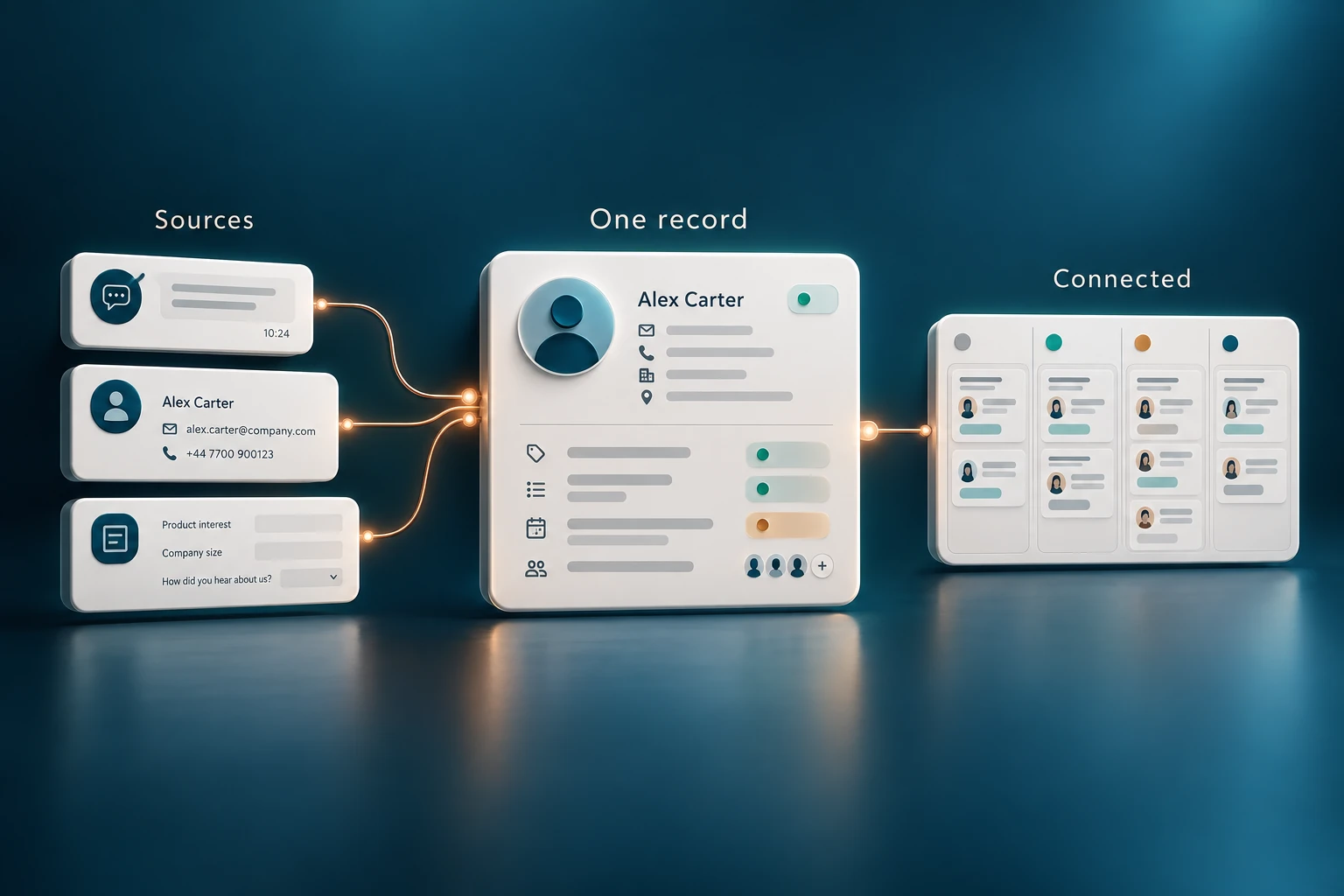
Customer information is spread across forms, inboxes, and business tools.
Explore the workflowThe result needs to work for the people who use it. We agree the scope, test the important details, and put ownership in place.
We agree definitions, sources, and ownership so the same metric means the same thing across the business.
We check missing records, duplicates, and inconsistencies before building a view around them.
Your team receives documented measures, access rules, and an agreed refresh and maintenance process.
Weekly spreadsheet preparation. Reports that disagree. A business question nobody can answer without checking three systems.
Tell us where the work gets stuckFrom the first conversation to the final handoff, you know what happens next.
Step 1
We review your requirements, the current systems, and the people who rely on them.
Step 2
You get a defined scope, a clear owner, and milestones before implementation begins.
Step 3
We implement the agreed changes, test the important scenarios, and review the result with your team.
Step 4
Your team receives training and documentation. We review the results and agree the next priorities.
You should understand the approach before you commit to the work.
We review the available exports, APIs, and access permissions during scoping. The agreed sources and any limitations are clear before implementation.
The refresh schedule depends on the source systems and the decision you need to make. We agree the right frequency rather than promising every source will be live.
We start by identifying the quality issues and agreeing definitions. Cleaning and reconciling the relevant data can be included in the scope.
Yes. We design access around roles and responsibilities, including which underlying records a user should be able to inspect.
Refresh frequency depends on each source system, its connection, and the reporting requirements. We agree the schedule and show refresh information so your team knows how current the numbers are. A live dashboard does not make delayed source data instantaneous.
Start with the part that needs to work better
Bring us the question that takes too long to answer. We’ll help identify the sources, the measures, and the clearest way to see the result.
Let’s find your starting pointA conversation first. A clear scope before any build.