QRQuote to invoiceExample
Schedule and dispatch
Assign the crew and carry the job details forward.
Using your scheduling rules✓Job completed. Invoice ready for review.
Connect quoting, scheduling, dispatch, and invoicing with Ops Autopilot. Workflow automation scoped around your team, approvals, and existing tools.
Start with your current tools and the problem you want to solve.Assign the crew and carry the job details forward.
Using your scheduling rulesA defined scope, a clear owner, and an outcome you can check.
Ops Autopilot connects quoting, scheduling, dispatch, and invoicing so information can move through the job without repeated manual entry. Quantum Reach scopes the workflow around your existing tools, approval rules, and responsible team members. Your team keeps control of exceptions and decisions that need judgment.
Home service businesses with 5 to 50 staff where office staff and field teams repeatedly copy job details, chase approvals, or reconcile schedules. Other SMBs can start with an equivalent recurring operational handoff.
Start where the work gets stuck. We build the connections, actions, and handoffs around the way your business actually runs.
Turn incoming inquiries into useful responses, clear next steps, and conversations your team can pick up.
Customer inquiriesConnect confirmations, reminders, and customer records so everyone knows what happens next.
Bookings and remindersBring requests, approvals, and routine updates into a workflow with a clear owner at every step.
Everyday administrationLess chasing. More moving forward.
Choose a familiar task and see how the pieces connect. Your actual workflow is built around your rules, your tools, and the decisions your people need to make.
Record the customer’s approval and the job details in your connected quoting tool.
See how the work comes together
Explore illustrative workflows, implementation decisions, and the checks that make the scope concrete.
Illustrative workflow
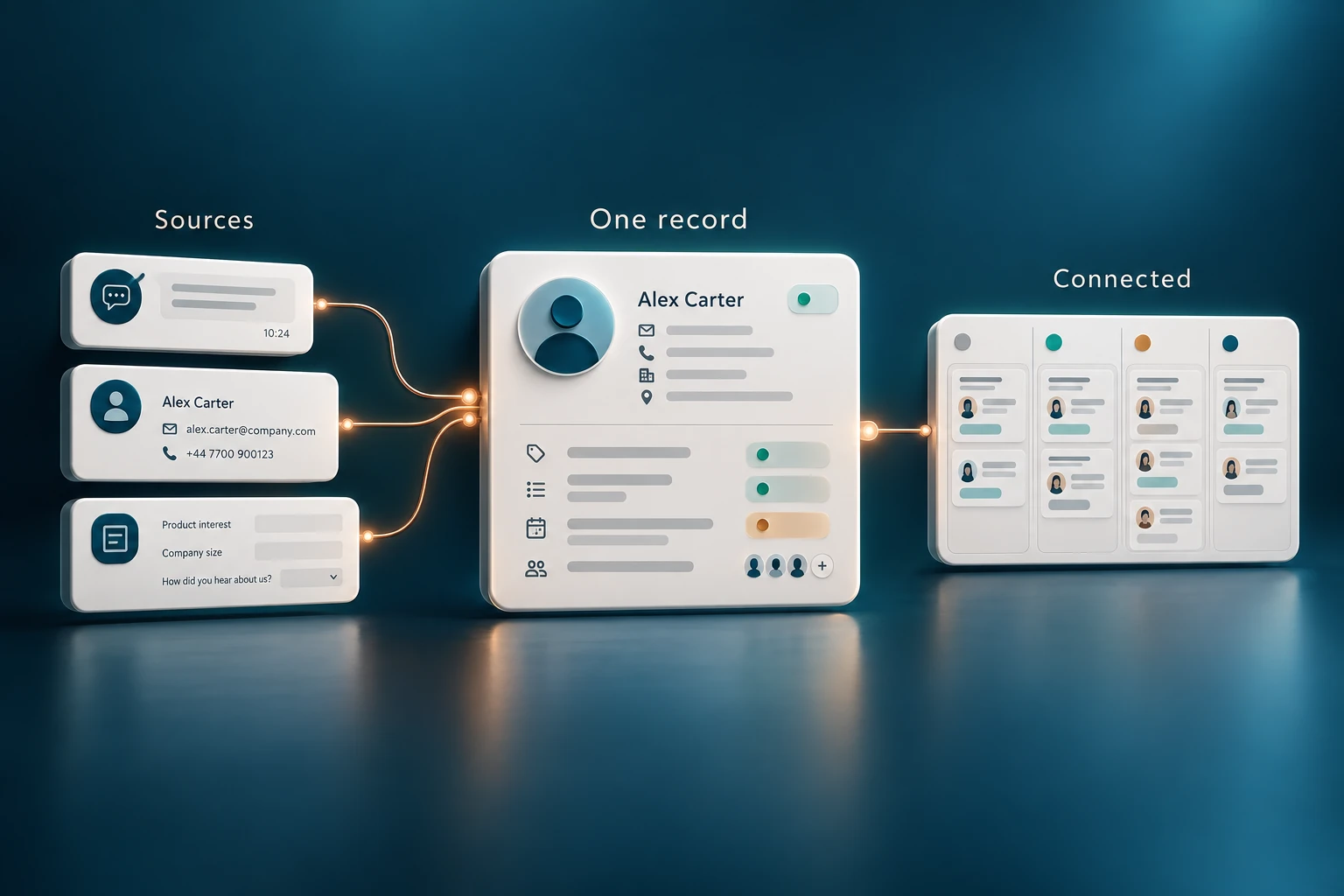
Customer information is spread across forms, inboxes, and business tools.
Explore the workflowIllustrative workflow
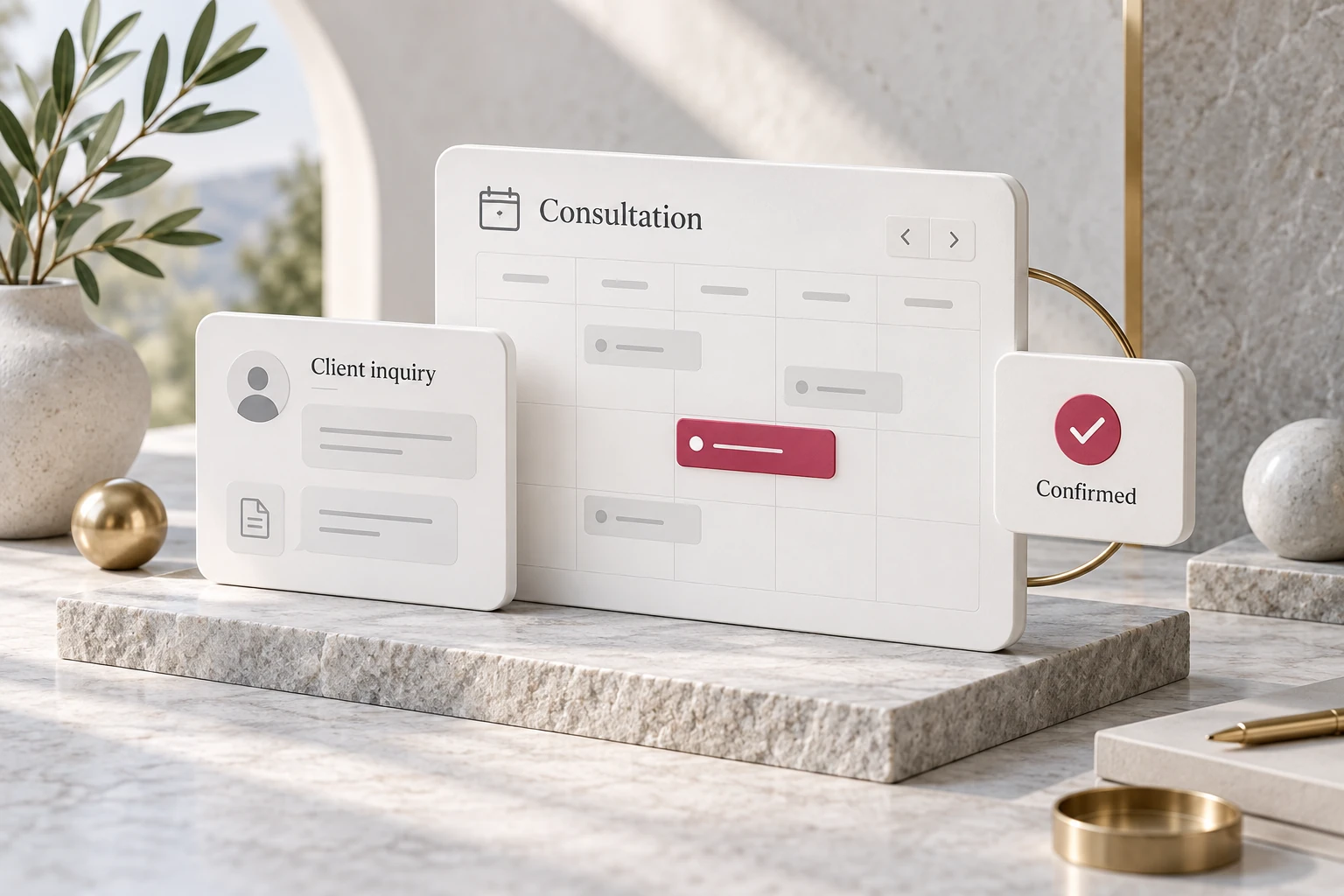
A professional services inquiry needs a useful response and a clear booking path.
Explore the workflowThe automation is only part of the work. We make sure it fits the people using it and that your business can rely on what happens next.
We map a recurring task, its handoffs, and the time it takes. You get a defined scope and a practical way to judge whether the change is working.
We agree what can happen automatically, what needs approval, and when a person should take over. Exceptions have a clear place to go.
Your team gets the workflow, the documentation, and the training. We test real situations together and agree how support will work after launch.
A task your team repeats every week. Information copied between tools. A customer waiting while someone tracks down the next step.
Tell us where the work gets stuckFrom the first conversation to the final handoff, you know what happens next.
Step 1
We map the customer journey, the tools you use, and the work your team handles every day.
Step 2
You get a defined scope, a clear owner, and milestones before implementation begins.
Step 3
We connect the systems, test real scenarios, and review the workflow with your team.
Step 4
Your team receives training and documentation. We review the results and agree the next priorities.
You should understand the approach before you commit to the work.
No. Bring us a task that takes too much time, a handoff that keeps breaking, or a customer experience you want to improve. We help identify a useful starting point before recommending a build.
We start with your current setup. Where your tools support the required connections, we build around them. If something needs to change, we explain why before it becomes part of the scope.
We define approved actions, review points, and escalation rules with you. We test representative situations before launch, and route sensitive or unusual requests to a person. AI is used where it is useful; predictable tasks can use straightforward automation.
That depends on the workflow, the connections, and the amount of testing needed. You receive a timeline and milestones before work begins. The 21 day commitment applies to our separately scoped lead response offer.
Your team receives training and documentation. We agree who monitors the workflow, how exceptions are handled, and what support you need. Then we review the result against the outcome defined at the start.
The 21 day launch and 60 second response guarantee applies to the separately scoped Speed to Lead System. Ops Autopilot has its own timeline, deliverables, and acceptance checks agreed after reviewing the workflow.
Start with one thing that should work better
Tell us about the work, the tools, and the point where things slow down. We’ll help you decide whether automation is the right next step.
Let’s find your starting pointA conversation first. A clear scope before any build.